 TROMIN
Know who to push
and who to protect.
Wearable tags and one courtside receiver show every athlete’s load live — compared with their own usual day, so the screen tells you what to do, not just what happened.
Used by college and professional basketball and volleyball programs.
Numbers a coach can act on mid-session
Live, not tomorrow
Load, intensity and jumps update while athletes train. Adjust the session before it is over.
Personal, not generic
Every number is compared with that athlete’s own usual training day — no copying another team’s thresholds.
Set up in one trip
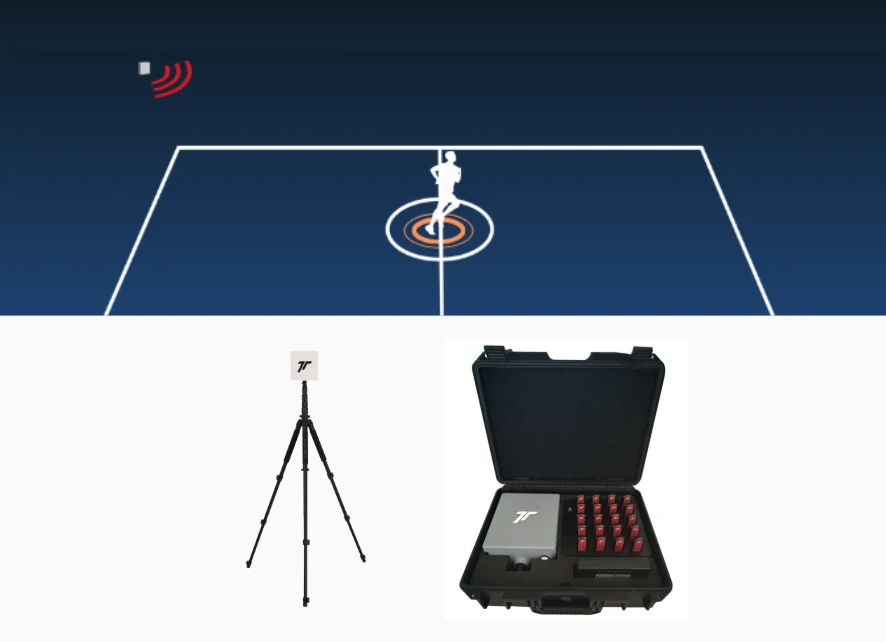
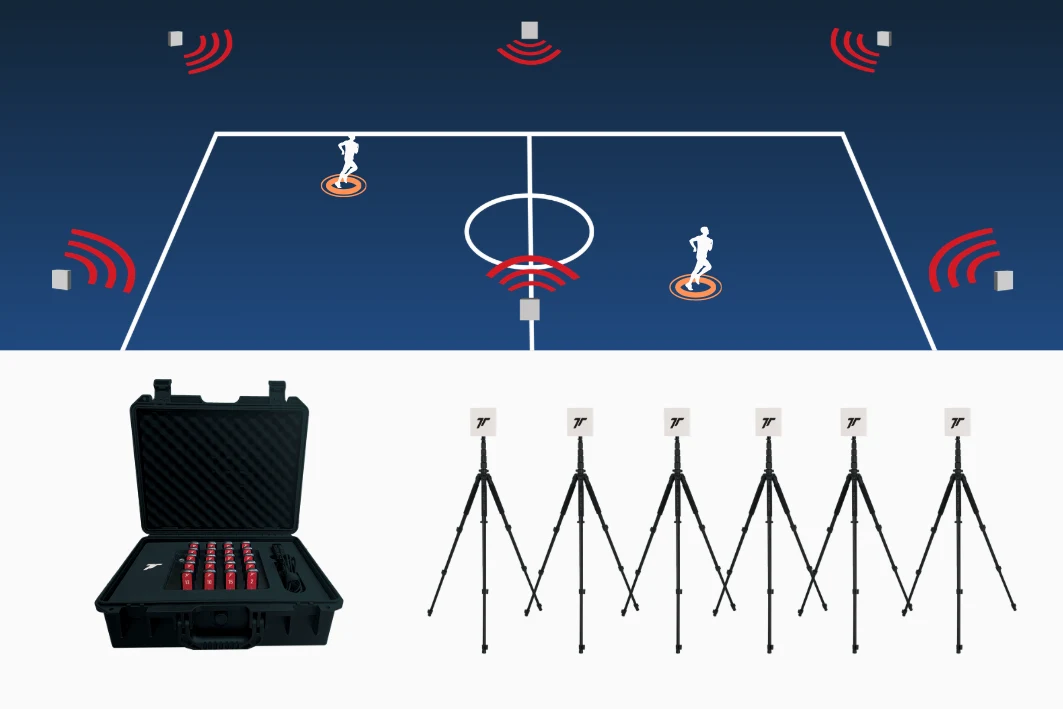
One receiver on a tripod and a case of tags. No cameras, no anchors around the court.
Trusted by teams that train every day










Your IT team will ask. We have the answers.
Track2go runs offline on a Windows laptop. No cloud, no accounts, no data leaving the building.
Questions coaches ask us
Does it work indoors?
Yes. Track2go was built for indoor courts. It needs no GPS, no cameras and no anchors around the venue — one receiver beside the court.
How long until an athlete has a baseline?
About 14 training days. Until then the card shows Build baseline and compares against position or team averages. After a break of more than 28 days, the baseline is rebuilt.
How many athletes can I track at once?
Up to 20 tags per system, each at 50 Hz.
Where is the tag worn?
In a vest pocket between the shoulder blades. Testing with NTNU found the shoulder gives the most stable signal.
Do I need internet or a cloud account?
No. Track2go runs offline on a Windows 10 or 11 laptop and all data stays on it. See IT & Data for details.
Which sports are supported?
Basketball and volleyball, with validated metrics for each. Other sports are available for research projects, especially with Goalgo positioning.
Can I export my data?
Yes. CSV for every metric, PDF reports, and 50 Hz raw motion data.
Can I add positioning later?
Yes. The same tags work with Goalgo, our UWB positioning system, which adds x/y, speed and measured distance.
How much does it cost?
Pricing depends on the number of tags and your setup. Contact us for a quote.
See it with your own team
We will set up Track2go at one of your sessions and walk your staff through Live and Report.